

Every Rails project starts the same way. You run rails new, you get a clean app with sensible defaults, and then you do the setup work before you can write application code. Authentication with signup and multi-tenancy. Rate limiting. Background jobs with a dashboard. Error tracking. Mailer templates. Security headers. It’s repetitive, sure, but it’s the work that gets your app to the point where you can build the thing you actually sat down to build.
I’ve done this enough times to know exactly what’s coming. The order changes, the names of the models drift slightly, but the shape of the work is identical. It’s not that Rails is missing anything — it’s that the space between rails new and “ready to build features” is full of choices that are mostly already made. You just have to type them out each time.
Maquina Generators automate that setup. One command after rails new, and you have authentication, multi-tenancy, roles, job processing, error tracking, request protection, and ops dashboards. All generated into your app as plain Rails code. No runtime dependency.
What Maquina Generators Do
The gem lives in your development group. It generates standalone application code — models, controllers, views, migrations, initializers, mailers — and then you can delete the gem. Nothing it produces requires the gem at runtime. No engine mounts, no middleware injection, no monkey patches. Just files in your app that you own completely.
The workflow is five commands:
rails new myapp --css tailwind
bundle add maquina_generators --group development
rails generate maquina:app --auth clave
bin/rails db:migrate
bin/dev
That’s it. Auth with email verification codes, an Account model with roles, Rack Attack blocking scanners and throttling logins, Solid Queue with a Procfile, Solid Errors catching exceptions, Mission Control monitoring your jobs — all wired up, all running.
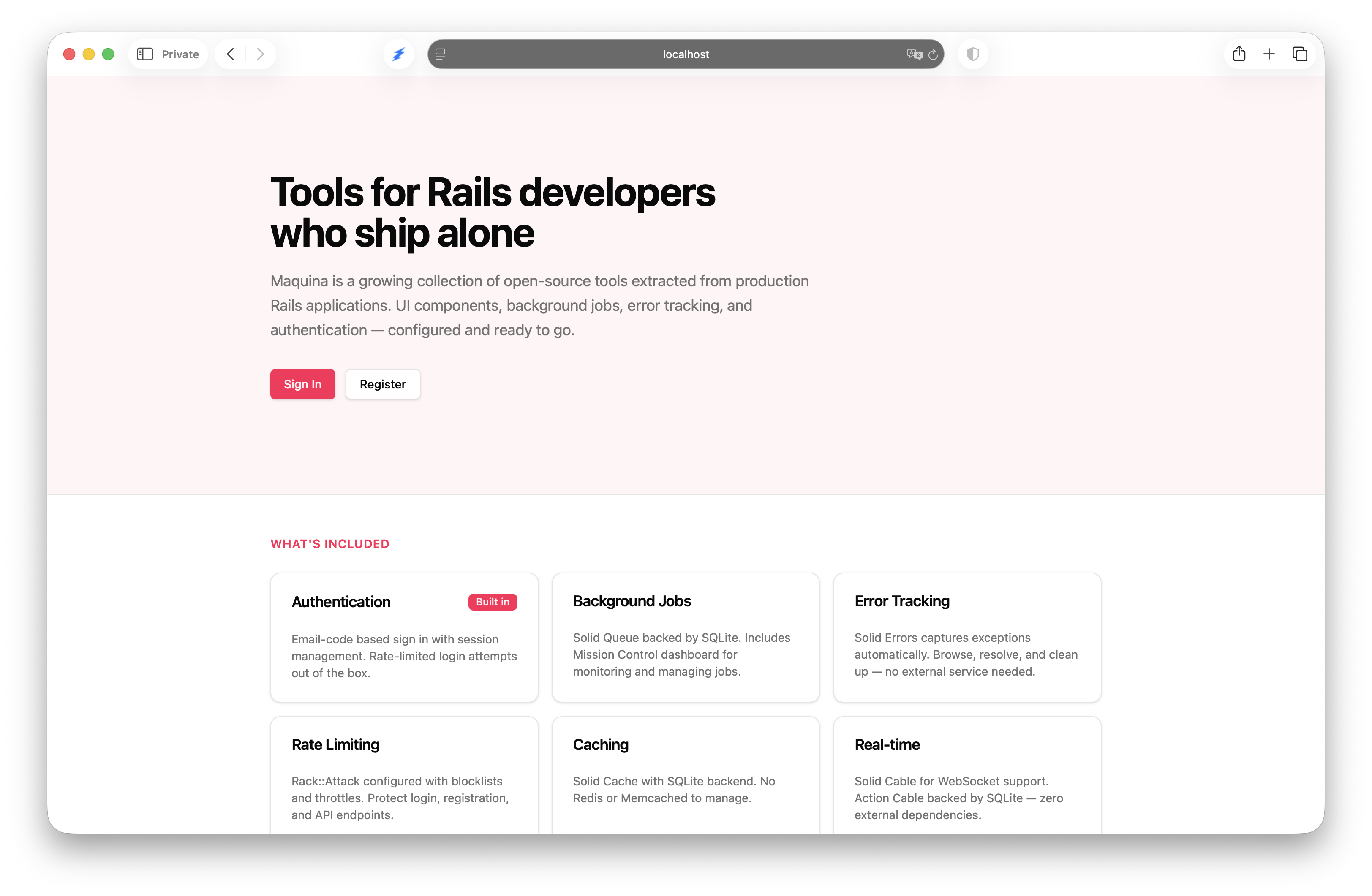
Seven generators handle the pieces:
| Generator | Purpose |
|---|---|
| App | Full application setup — orchestrates everything below |
| Clave | Passwordless email-code authentication |
| Registration | Password-based auth with accounts and roles |
| Rack Attack | Request protection and IP throttling |
| Solid Queue | Background job processing with separate database |
| Solid Errors | Error tracking dashboard |
| Mission Control | Job queue monitoring dashboard |
The App generator is the orchestrator. It runs whichever auth generator you choose, then all the infrastructure generators in sequence. You can also run each generator independently if you only need part of the stack.
The full documentation covers every generator, option, and generated file in detail.
Two Authentication Options
Rails 8’s built-in rails generate authentication gives you login. It doesn’t give you signup. It doesn’t give you accounts, roles, or multi-tenancy. For most applications, login alone isn’t enough.
Maquina Generators offer two complete authentication systems that pick up where Rails leaves off.
Clave: Passwordless
Clave implements passwordless authentication using email verification codes. The user enters their email, receives a 6-digit hexadecimal code, enters the code, and they’re in. No passwords to store, no password resets to build, no complexity requirements to argue about.
User enters email → receives 6-digit code → enters code → signed in
Codes expire in 15 minutes. There’s a 15-minute cooldown before a resend. Login attempts are rate-limited to 10 per 3 minutes. Sessions last 30 days by default. Plus characters are blocked in email addresses to prevent alias attacks.
Beyond sign-in, Clave generates a full multi-tenancy layer. Every user belongs to an Account. The first user who creates an account becomes its admin. A role enum — admin or member — handles authorization from there.
Current.user          # The signed-in user
Current.account       # The user's account
Current.user.admin?   # Check role
You scope queries through the account, and cross-tenant access is prevented at the model level:
@projects = Current.account.projects
Clave generates models, controllers, a mailer with HTML and text templates, a daily cleanup job for expired sessions and codes, a test helper with sign_in_as(user), and full i18n support in English and Spanish.
Registration: Password-Based
If you prefer passwords, the Registration generator builds on Rails 8’s authentication. It runs rails generate authentication first, then adds what’s missing: an Account model, belongs_to :account on User, the role enum, a RegistrationsController that creates an Account and User in a single transaction, and Tailwind-styled views.
class RegistrationsController < ApplicationController
  allow_unauthenticated_access
  rate_limit to: 10, within: 3.minutes, only: :create

  def create
    ActiveRecord::Base.transaction do
      account = Account.create!(name: params[:account_name])
      user = account.users.create!(
        name: params[:name],
        email_address: params[:email_address],
        password: params[:password],
        role: :admin
      )
    end
    start_new_session_for user
    redirect_to root_path
  end
end
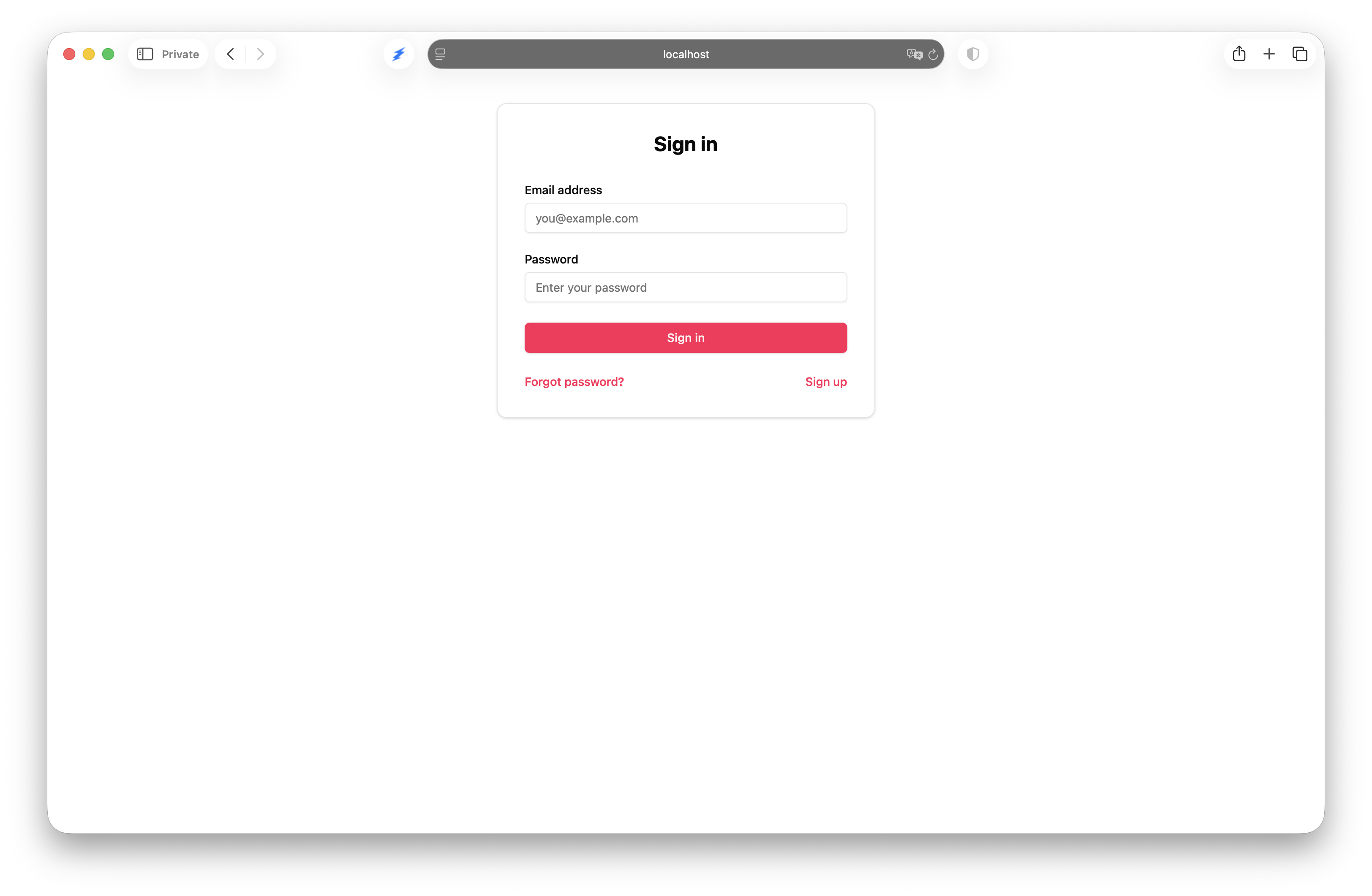
Same Current.user, Current.account, and role-based authorization as Clave. The multi-tenancy pattern is identical — only the sign-in mechanism differs.
The generators documentation covers every option, model, and controller for both auth systems.
The Ops Layer
Authentication is the most visible piece, but the App generator does more than auth. It sets up a complete operational layer that most Rails apps need but few have on day one.
Rack Attack gets configured with real-world defaults. PHP file requests, WordPress scanning paths, .env and .git probes — all blocked immediately. Sensitive paths like /cgi-bin, /phpmyadmin, and /actuator return 403. General traffic is throttled to 300 requests per 5 minutes per IP, with asset paths exempted. Login endpoints get tighter limits: 5 attempts per 20 seconds.
Solid Queue is set up as the Active Job backend with its own SQLite database, a Procfile entry for the worker process, and a recurring schedule that runs the authentication cleanup job daily at 3am. The configuration lives in config/solid_queue.yml — three worker threads, half-second polling, standard dispatching.
Solid Errors and Mission Control Jobs get mounted as dashboards with custom Tailwind views. Mission Control alone has 41 view files — job listings, queue status, worker monitoring, recurring task management — all styled to match your application instead of looking like a default engine mount.
Both dashboards share the same HTTP basic auth credentials:
# bin/rails credentials:edit
backstage:
  username: admin
  password: your_secure_password
One set of credentials, stored in Rails credentials. Environment variable fallbacks if you prefer. After running the generators, you have /admin/solid_errors and /admin/mission_control_jobs working from the first bin/dev.
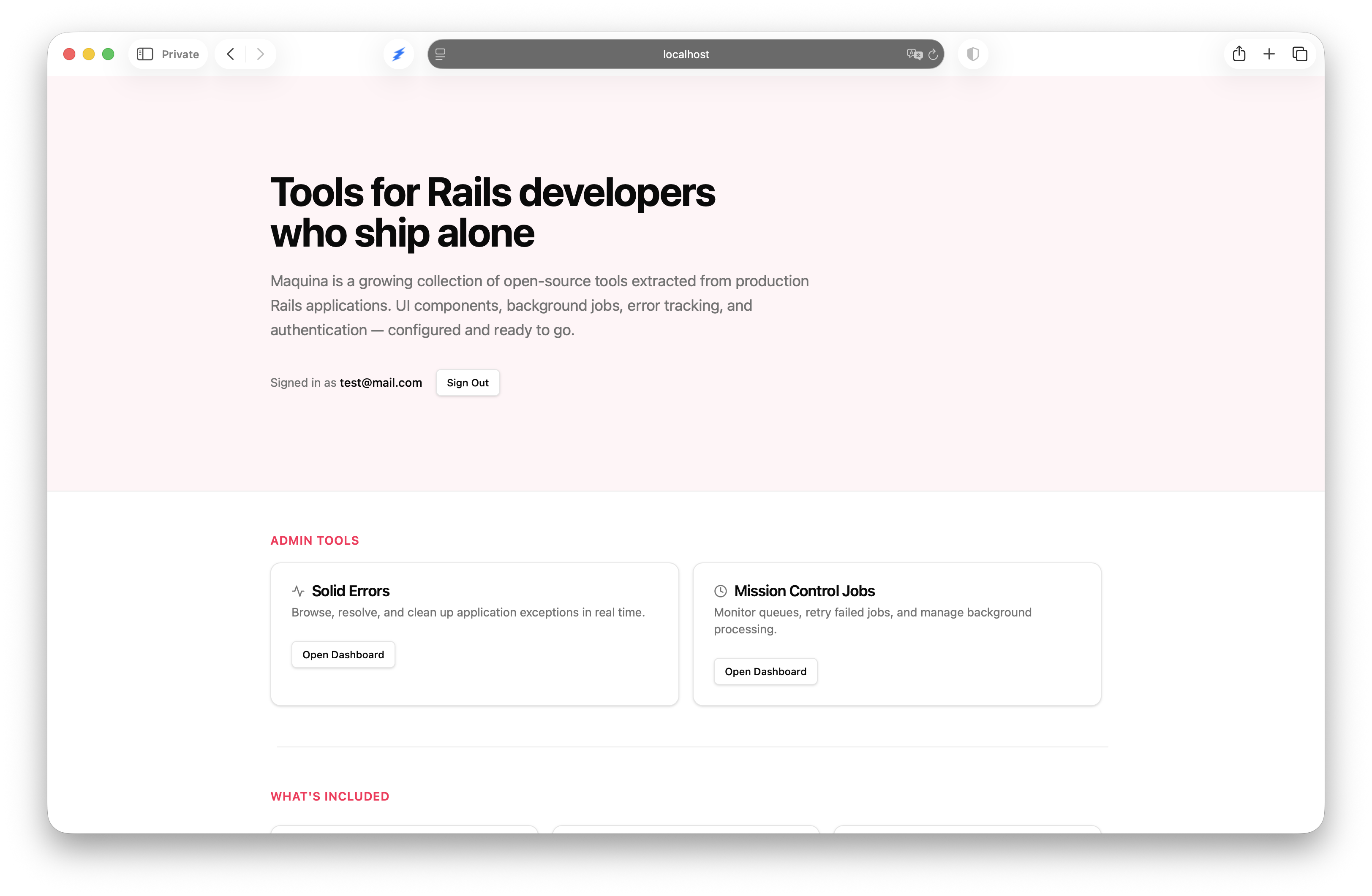
The App generator also sets up multi-database configuration — separate SQLite databases for the queue, cache, cable, and errors — installs Active Storage and Action Text, configures Turbo morphing, adds brakeman and Standard for code quality, and creates a HomeController with a root route. It’s the full post-rails new checklist, automated.
Own the Code
This is the part that matters most. Maquina Generators is a development-only gem. It generates code into your application and then it’s done. You can — and should — delete it from your Gemfile once you’ve run the generators.
# Gemfile — remove after generating
group :development do
  gem "maquina-generators"
end
Every file it produces is a standard Rails file in a standard location. Models in app/models, controllers in app/controllers, views in app/views, initializers in config/initializers. No engine, no namespace, no gem dependency at runtime. If you want to change how sessions expire, you edit app/controllers/concerns/authentication.rb. If you want different Rack Attack rules, you edit config/initializers/rack_attack.rb. If you want to add a third role beyond admin and member, you update the enum on User.
There’s no DSL to learn, no configuration file to maintain, no version upgrades to track. The generated code follows Rails conventions because it is Rails code. You can read every line, understand every decision, and change anything that doesn’t fit your project.
This connects to the broader Maquina ecosystem. The generators set up the foundation — auth, security, ops tooling. Maquina Components handles the UI layer with ViewComponent-based partials that the App generator installs automatically. When you start building features on top of this foundation, Rails Simplifier keeps AI-generated code idiomatic, and the MCP Server gives AI tools visibility into your codebase structure.
Each tool is independent. Use one, use all, use none. No lock-in at any layer.
Get Started
Install the gem and run the app generator:
rails new myapp --css tailwind
cd myapp
bundle add maquina_generators --group development
rails generate maquina:app --auth clave
bin/rails db:migrate
bin/dev
Choose --auth clave for passwordless, --auth registration for passwords, or --auth none if you want the infrastructure without authentication.
Full documentation is at maquina.app/documentation/generators. Source code is on GitHub.