

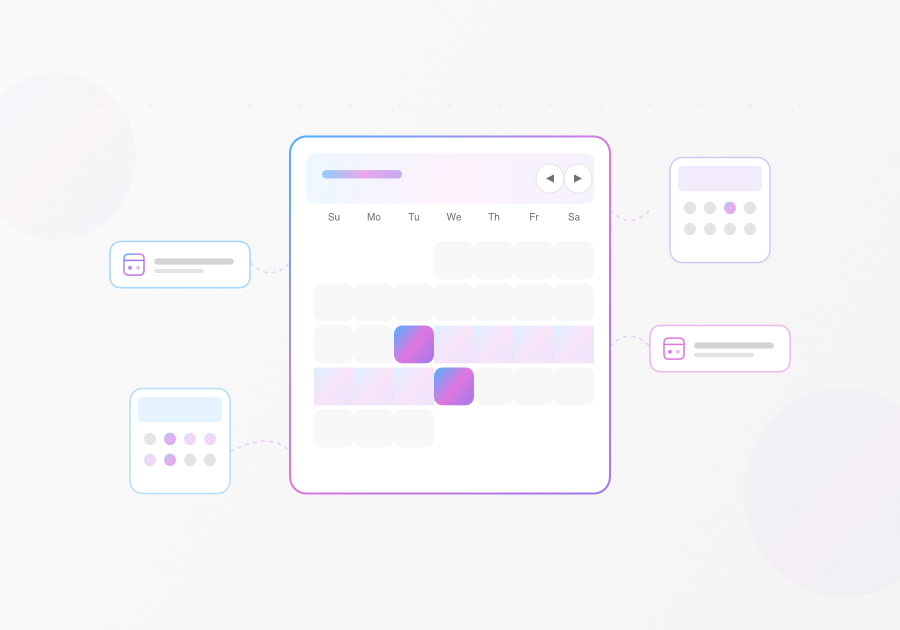
This month brings updates across the Maquina ecosystem: new Calendar and Date Picker components for Rails, two Claude Code skills for AI-assisted development, and live interactive previews for all components in the documentation.
Maquina Components 0.3.1
Building on version 0.3.0, this release adds two components for date selection: Calendar and Date Picker.
Calendar
An inline calendar for single date or range selection. Useful when you need the full calendar visible—booking flows, availability displays, or any context where date proximity matters.
<%= render "components/calendar",
      mode: :range,
      selected: Date.today,
      selected_end: Date.today + 5 %>
For form integration, the calendar generates hidden inputs automatically:
<%= form_with model: @booking do |f| %>
  <%= render "components/calendar",
        mode: :range,
        input_name: "booking[check_in]",
        input_name_end: "booking[check_out]" %>
<% end %>
Features: Single or range selection, min/max date constraints, disabled dates, week start configuration, and direct form integration with hidden inputs.
Date Picker
A button that opens a calendar in a popover. Better for forms where space is limited and you don’t need the calendar always visible.
<%= render "components/date_picker",
      mode: :single,
      placeholder: "Select a date",
      input_name: "event[date]" %>
Range selection works the same way:
<%= render "components/date_picker",
      mode: :range,
      placeholder: "Select date range",
      input_name: "start_date",
      input_name_end: "end_date" %>
Features: Single or range selection, pre-selected date display, min/max boundaries, disabled state, and customizable placeholders.
When to Use Which
| Use Case | Component |
|---|---|
| Booking calendar with visible availability | Calendar |
| Date field in a form | Date Picker |
| Date range with context (prices, events) | Calendar |
| Quick date selection in limited space | Date Picker |
Live Previews
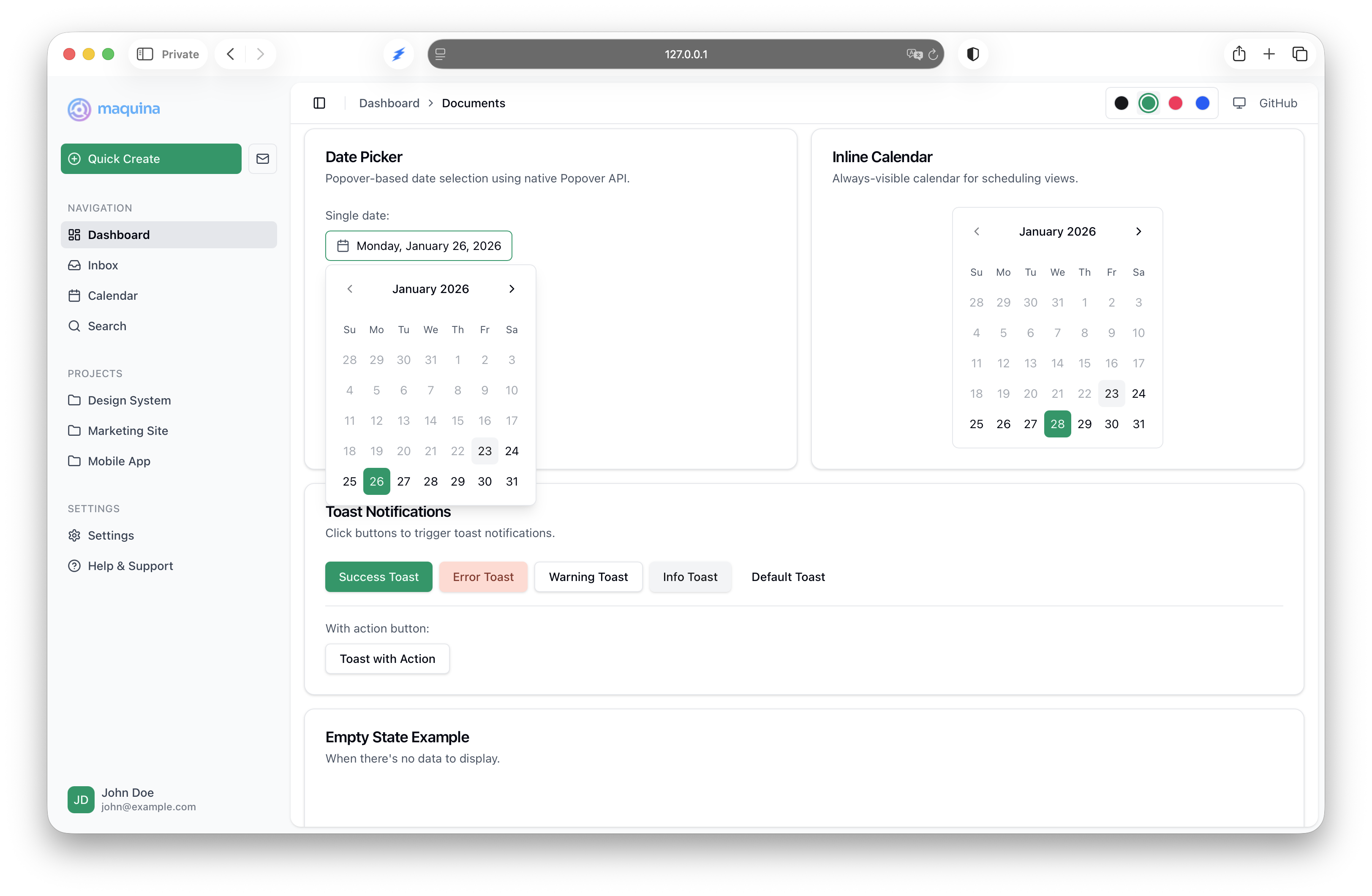
The documentation site now includes live, interactive previews for all components. Visit any component page in the documentation to see working examples in light and dark themes, multiple color variations, and code ready to copy.
For a complete showcase, the live demo application shows all components working together with sample data.
Upgrading
bundle update maquina_components
No generator changes required for existing installations.
Claude Code Skills
Two new skills for AI-assisted Rails development.
Maquina UI Standards
Teaches Claude how to build UIs with maquina_components. Without guidance, Claude generates generic Rails patterns—plain divs, inline styles, inconsistent markup. With this skill, Claude generates code using your actual component library.
Includes: Component catalog with 20+ components, form patterns, layout patterns, Turbo integration, and accessibility guidelines.
/plugin marketplace add maquina-app/rails-claude-code
/plugin install maquina-ui-standards@maquina
Ask Claude “Create a users index view with a table” and get:
<%= render "components/card" do %>
  <%= render "components/card/header" do %>
    <%= render "components/card/title", text: "Users" %>
  <% end %>
  <%= render "components/card/content" do %>
    <%= render "components/table" do |t| %>
      <% t.header do %>
        <% t.head_cell "Name" %>
        <% t.head_cell "Email" %>
      <% end %>
    <% end %>
  <% end %>
<% end %>
Documentation: Maquina UI Standards
Rails Simplifier
Refines Rails code following 37signals patterns and the One Person Framework philosophy.
What it does: Converts service objects to model methods, transforms custom actions to CRUD resources, moves logic from controllers to models, detects N+1 queries, and applies Rails conventions like I18n and Time.current.
/plugin marketplace add maquina-app/rails-claude-code
/plugin install rails-simplifier@maquina
Example prompts:
> Review recent changes using the rails-simplifier agent
> Use rails-simplifier to review the bookings controller
Documentation: Rails Simplifier
Source
All projects are MIT licensed: